
Beyond the main applications

More Ways to Connect & Charge

Explore everyday setups where USB hubs and multi-device chargers can help organize connections, power and installation. Follow a related solution or compare the available products.

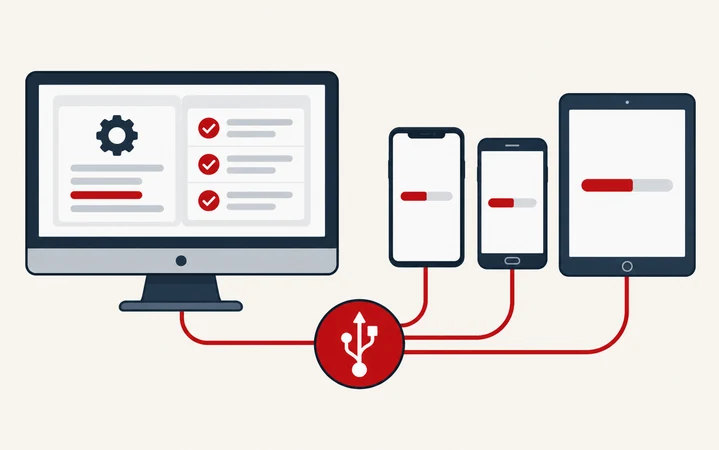
Computer and mobile devices linked through an abstract USB connection symbol

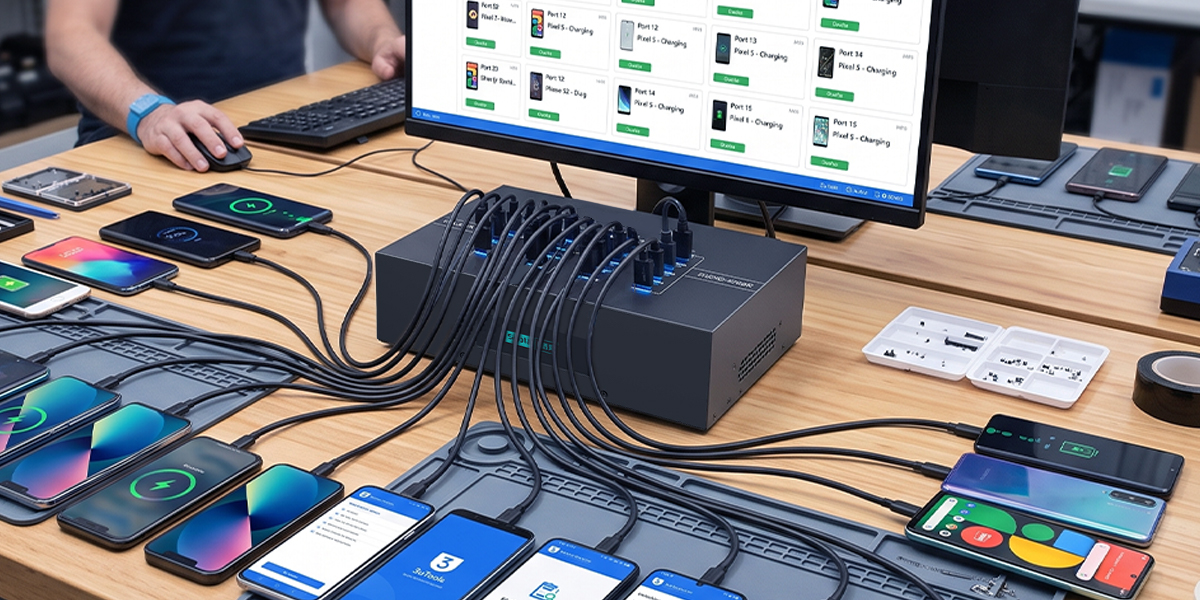
Device Provisioning & Firmware Updates

Connect batches of compatible phones, tablets or USB devices to a host workstation for setup, updates and servicing. A data-capable USB hub provides the connections; provisioning and firmware tools run on the host.

Typical setup: Phones, tablets and USB-connected devices

Explore Device Workflows
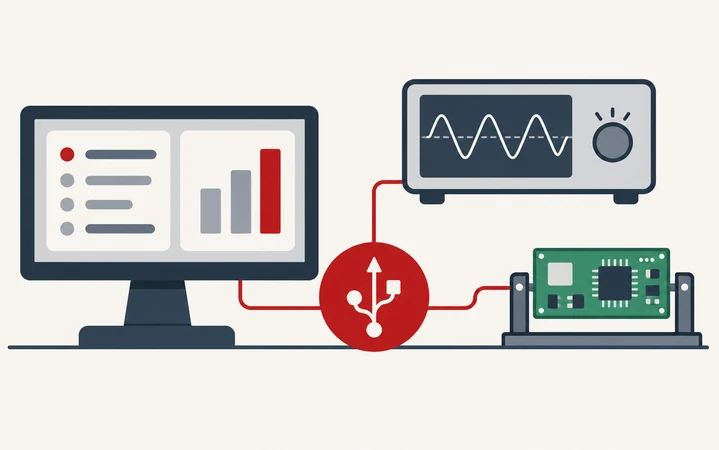
Flat 2D illustration of electronics test equipment linked by an abstract USB connection symbol

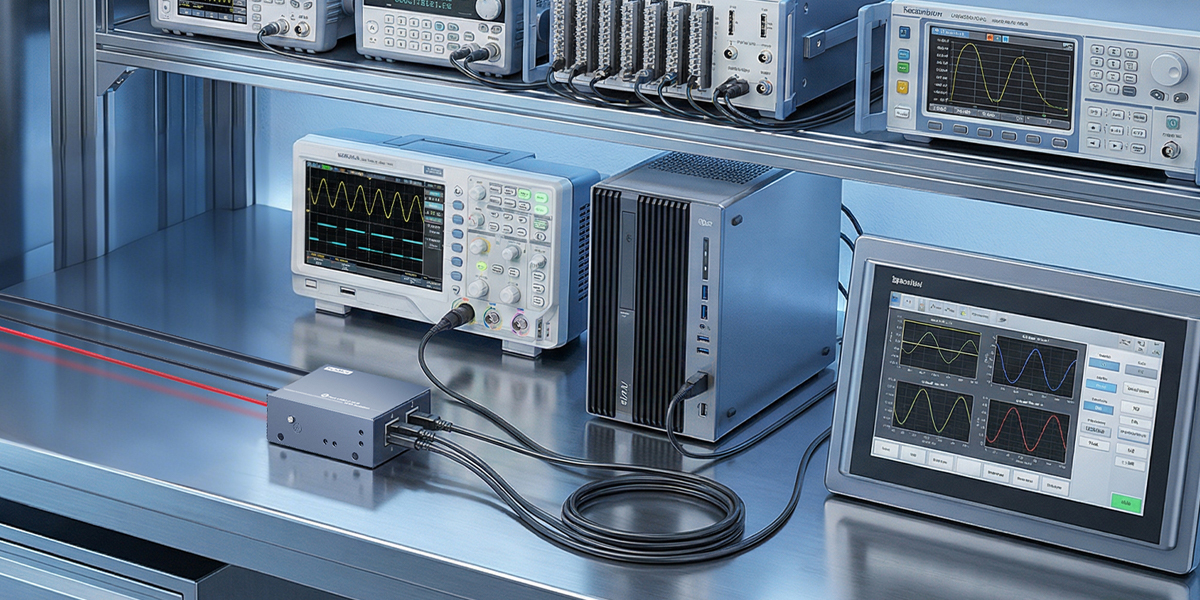
Manufacturing Test Benches

Bring devices under test and compatible USB instruments together on a production or engineering bench. Choose hub speed, port count and power for the actual test setup and simultaneous device traffic.

Typical setup: Test instruments, prototypes and USB peripherals

Explore Lab & Testing Solutions
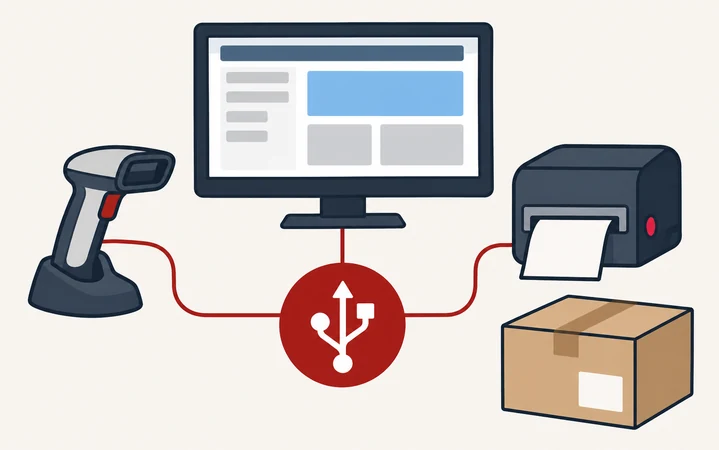
Flat 2D illustration of shipping workstation devices linked by an abstract USB connection symbol

Warehouse & Packing Workstations

Connect USB barcode scanners, label printers and other compatible peripherals at packing and dispatch stations. Plan accessible connectors and cable routing around the workstation layout.

Typical setup: Barcode scanners, label printers and USB scales

Explore Peripheral Connectivity
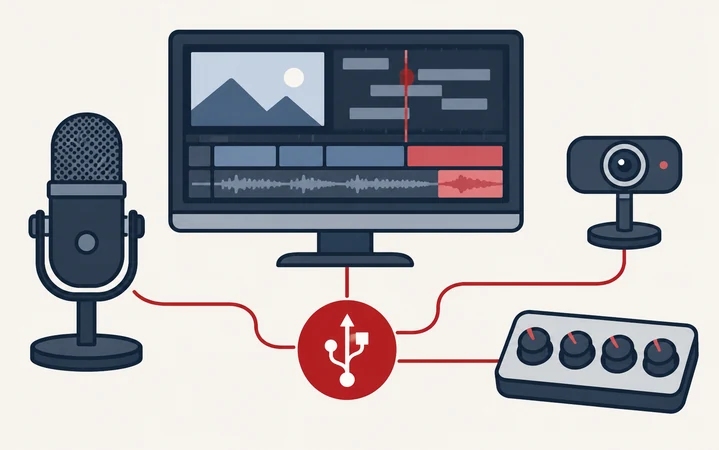
Video monitor, microphone, camera and audio controls linked by an abstract USB symbol

Video & Audio Workstations

Organize USB connections for compatible cameras, microphones and control surfaces at editing, recording or streaming desks. Select a powered hub using the devices' bandwidth and power requirements.

Typical setup: USB cameras, microphones and control surfaces

Compare USB Hubs
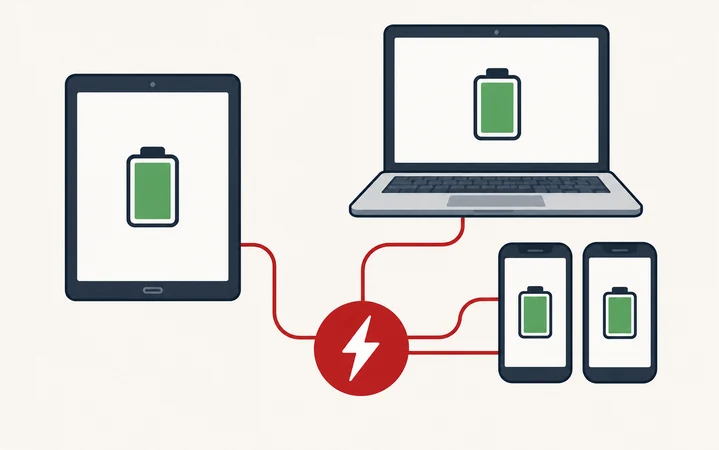
Shared phones, tablet and laptop linked to an abstract charging symbol

Office & Shared-Device Charging

Provide a central charging point for shared phones, tablets and compatible USB-C laptops in offices, meeting areas and staff rooms. Match each charger's supported protocols and output to the devices in use.

Typical setup: Shared phones, tablets and compatible laptops

Compare Charging Stations
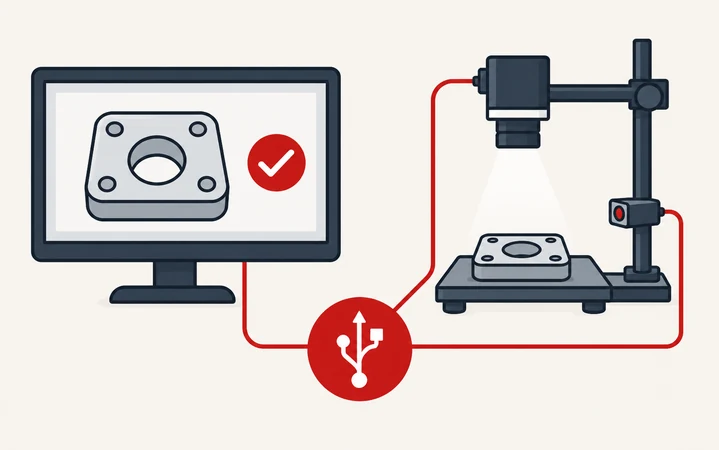
Camera inspection equipment and monitor linked by an abstract USB symbol

USB Cameras & Inspection Stations

Connect compatible USB cameras and supporting peripherals to an inspection or development computer. Check camera resolution, frame rate, shared USB bandwidth and host compatibility when selecting a hub.

Typical setup: USB cameras, sensors and inspection peripherals

Explore Robotics & Automation
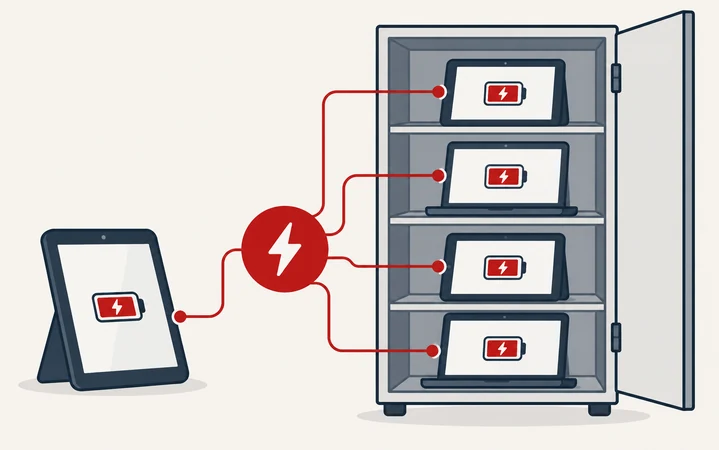
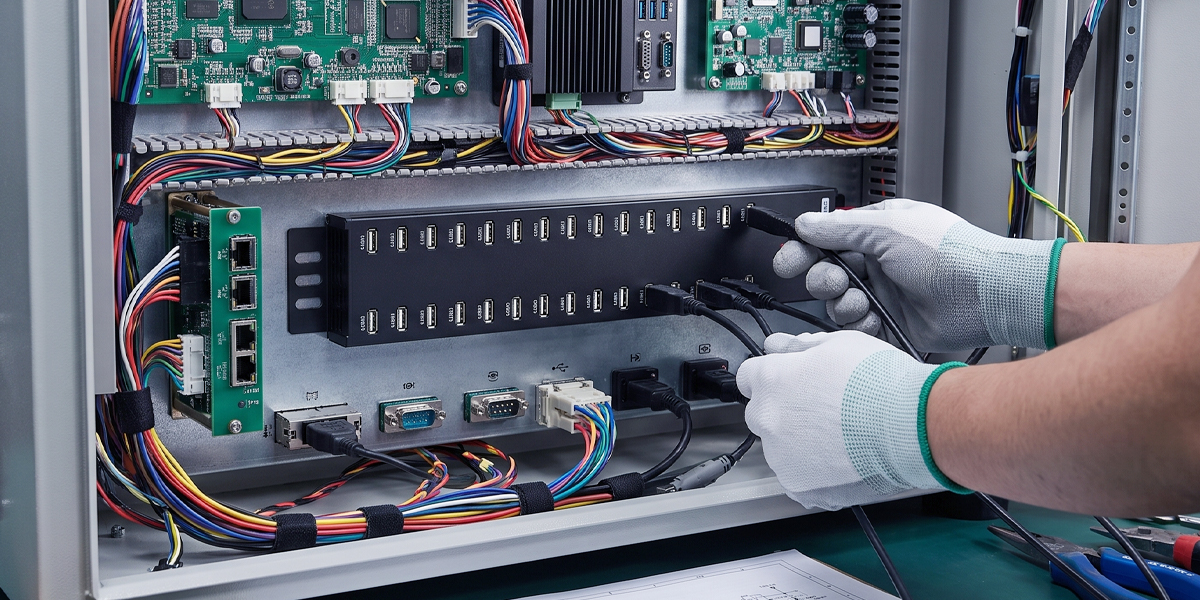
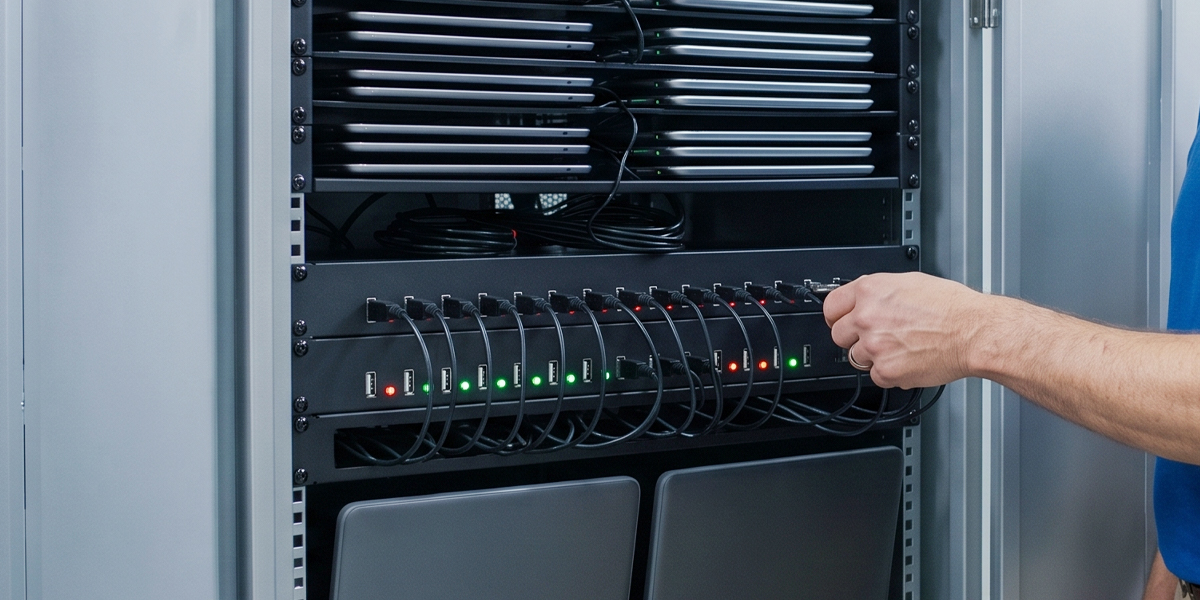
Devices stored in a cabinet and linked to an abstract charging symbol

Charging Cabinets & Device Storage

Integrate multi-port charging hardware into shared-device storage and charging setups. Plan power, ventilation and cable access around the cabinet layout and device charging requirements.

Typical setup: Tablet storage, laptop bays and charging modules

Explore Education Charging
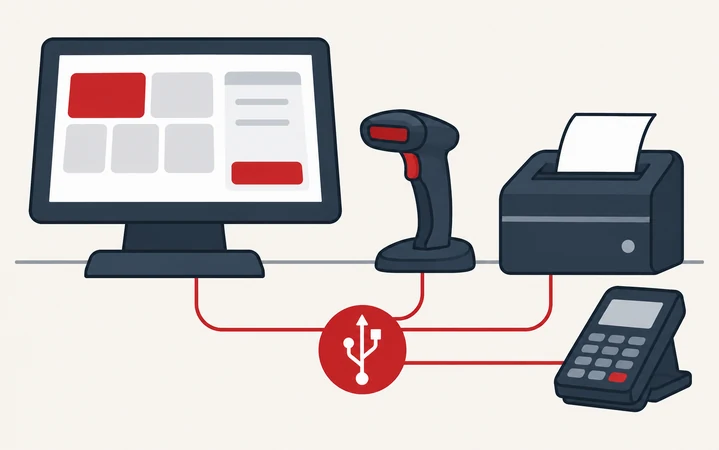
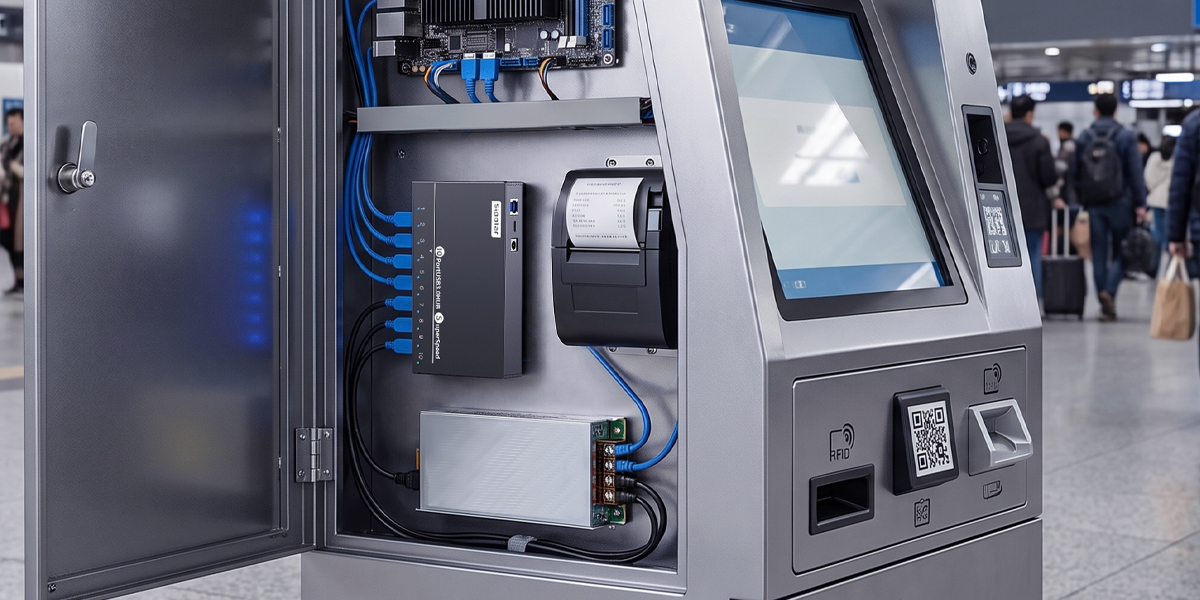
Retail terminal, scanner, printer and payment reader linked by an abstract USB symbol

Retail & Service Counters

Bring compatible USB scanners, printers and readers together at checkout and service desks. Select a hub for the terminal's available space, peripheral connections and power requirements.

Typical setup: Scanners, printers and USB readers

Explore Kiosk & POS Solutions

Choose by requirement

Select by USB Requirements

Start with the connection, power and installation requirements of your application.

01

Multi-Device USB Connectivity

Compare USB-A and USB-C hubs by port count, data speed and mounting options for your connected peripherals.

Browse USB Hubs
02

Centralized Device Charging

Match multi-port charging stations to your devices' charging protocols, per-port requirements and total power budget.

Browse Charging Stations
03

OEM & System Integration

Discuss port layout, power input, enclosure and mounting requirements for a USB solution integrated into your equipment.

Explore OEM/ODM Services

Find the right fit

Find Your USB Solution

Tell us your device count, USB interfaces, power requirements and installation space. We can help you compare standard models and OEM options.

Contact Sipolar