Instrument connections
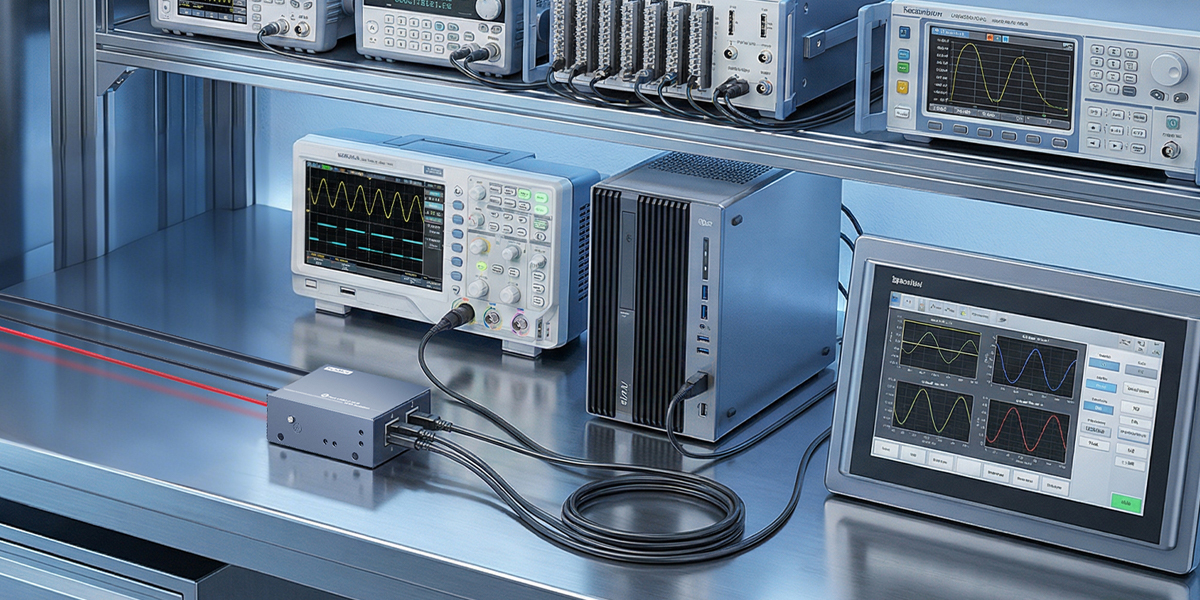
Connect compatible USB instruments and peripherals to a shared host computer.

USB Connectivity & Charging
USB hubs for test equipment help organize instrument and device connections on a lab bench. Select the port count and USB speed for your device testing, development and data collection workflow.
Application requirements
Connect compatible USB instruments and peripherals to a shared host computer.
Arrange repeatable connections for devices under test and supporting bench equipment.
Choose USB-A or USB-C models to suit the devices and cables used by your engineering team.
Model selection
A USB hub expands connectivity for the test setup. Instrument measurements and test automation remain functions of the connected equipment and host software. Check bandwidth and power needs for simultaneous operation.
Product options
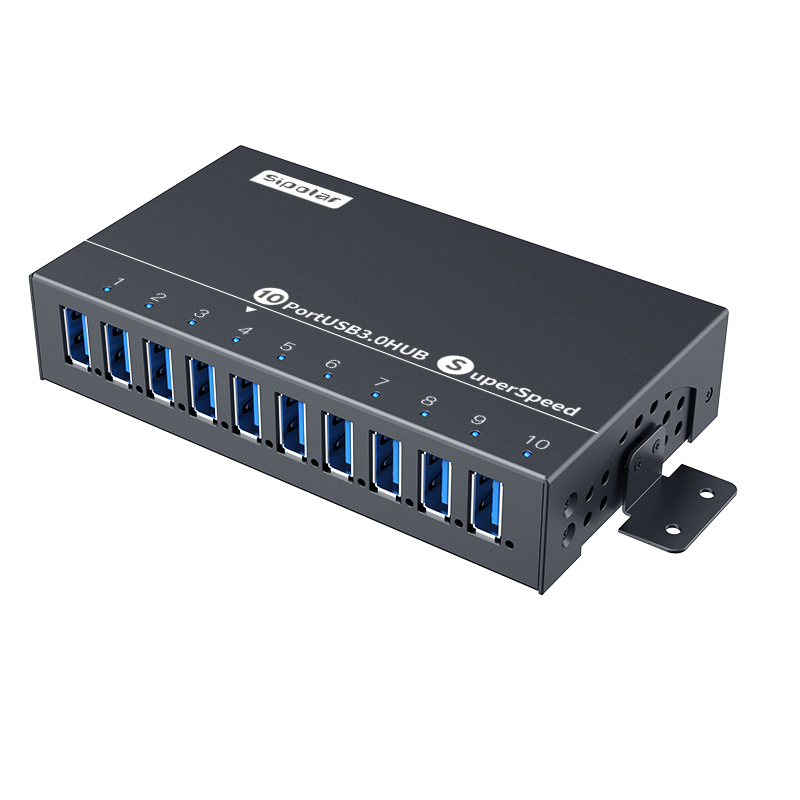
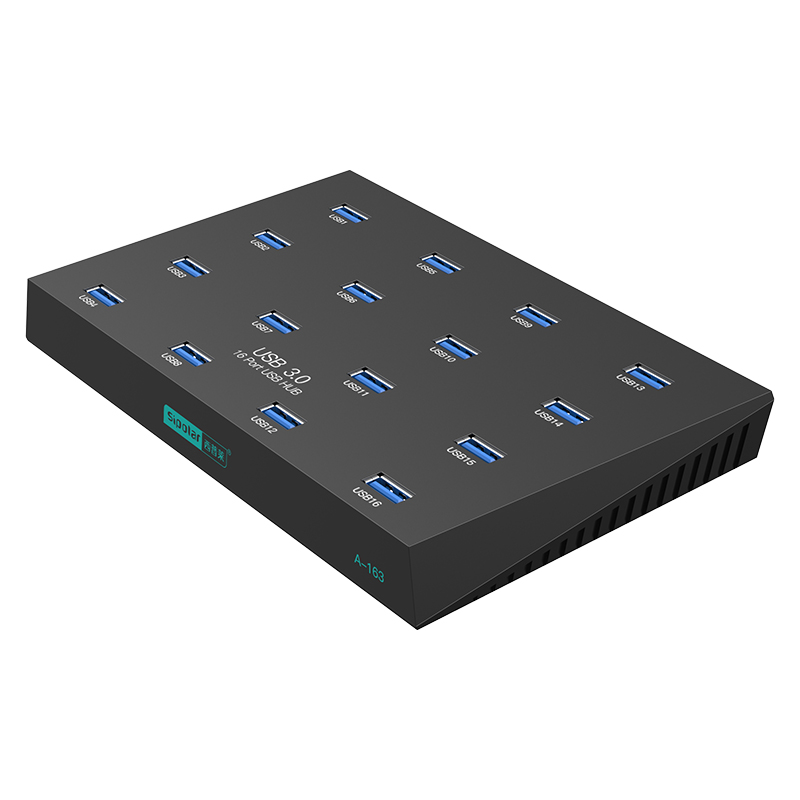
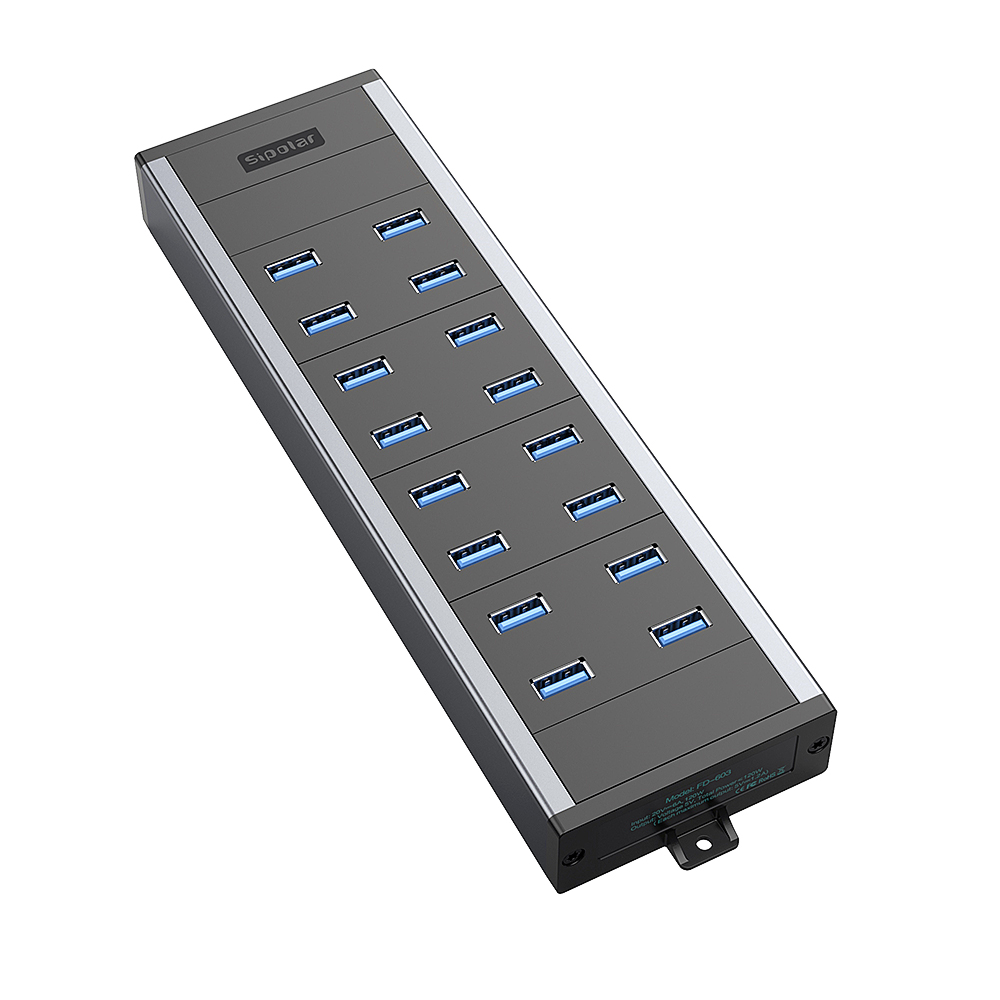
A-103 provides ten USB-A device ports, while A-163 and FD-603 provide sixteen. Match the host connection and power requirements to your bench; confirm the FD-603 version and enclosure dimensions before ordering.
Find the right fit
Tell us your device count, USB interfaces, power requirements and installation space. We can help you compare standard models and OEM options.