Peripheral expansion
Provide additional USB connections for compatible kiosk and point-of-sale peripherals.

USB Connectivity & Charging
USB hubs for kiosks and POS systems bring peripheral connections together inside a compact enclosure. Match the hub to the scanner, printer, reader and other USB devices used by your terminal.
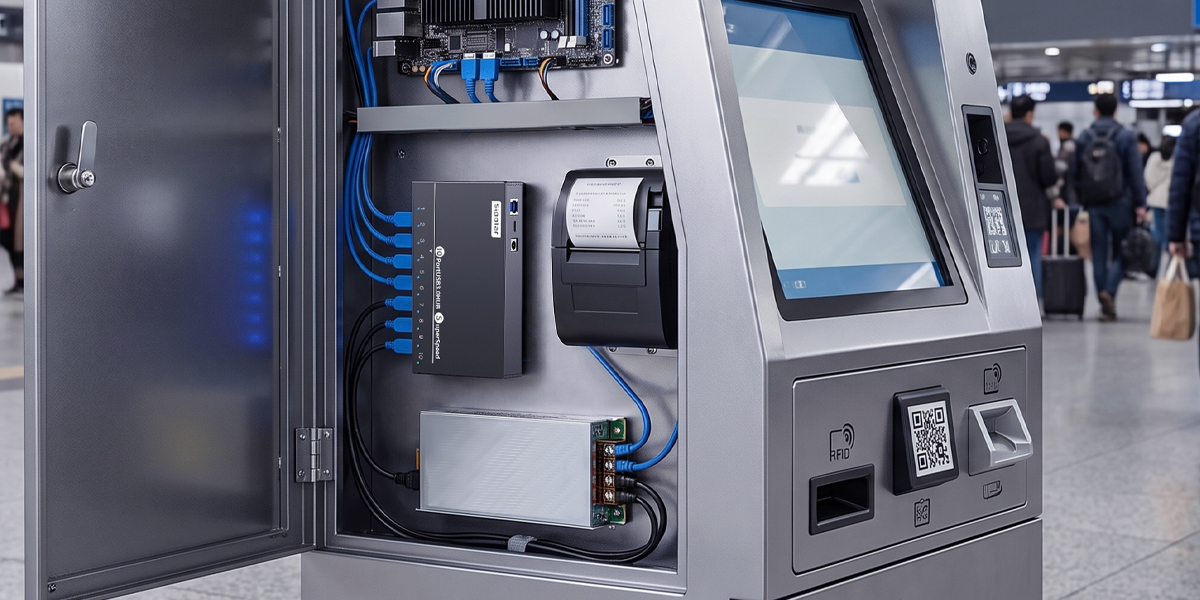
Application requirements
Provide additional USB connections for compatible kiosk and point-of-sale peripherals.
Select port orientation and enclosure dimensions that fit behind panels or inside a service compartment.
Plan reachable connectors and cable routing for installation and routine maintenance.
Model selection
Share the terminal layout and peripheral list to narrow down suitable models. Confirm power and compatibility for printers, scanners and readers as part of the complete kiosk system.
Product options
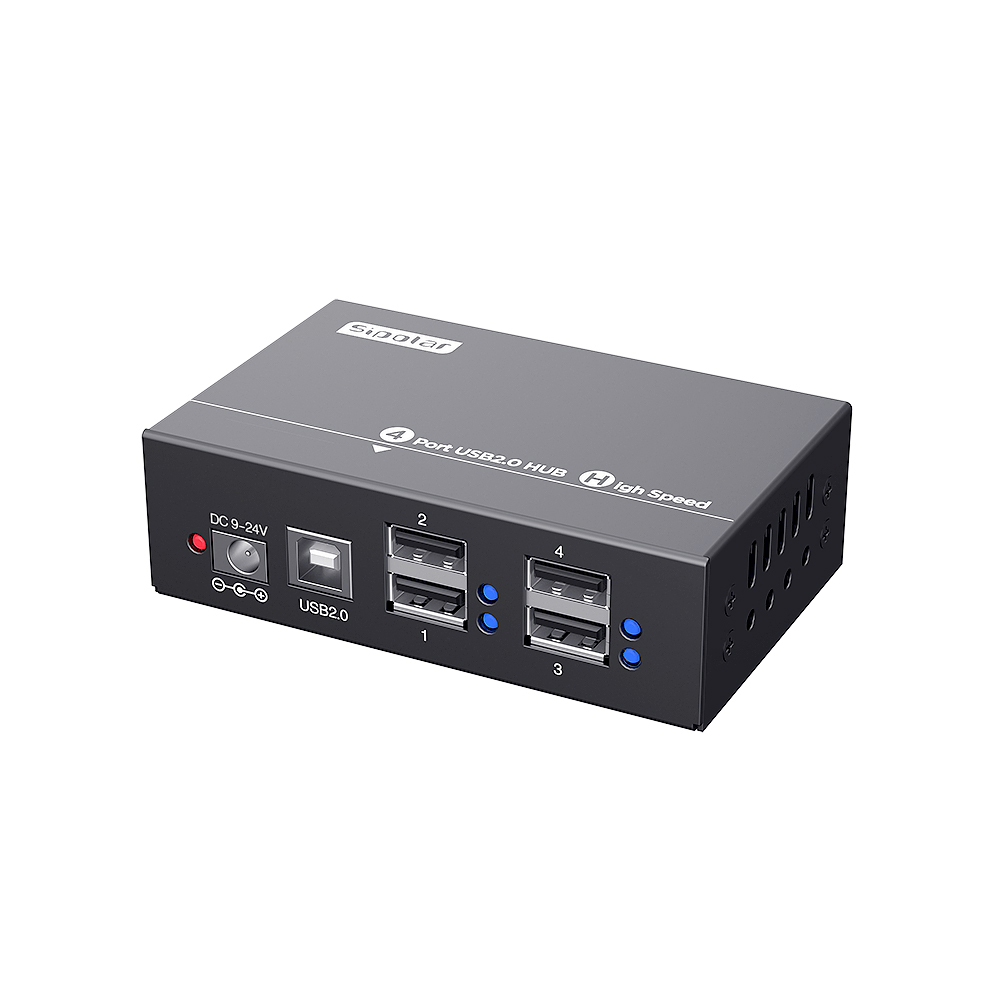
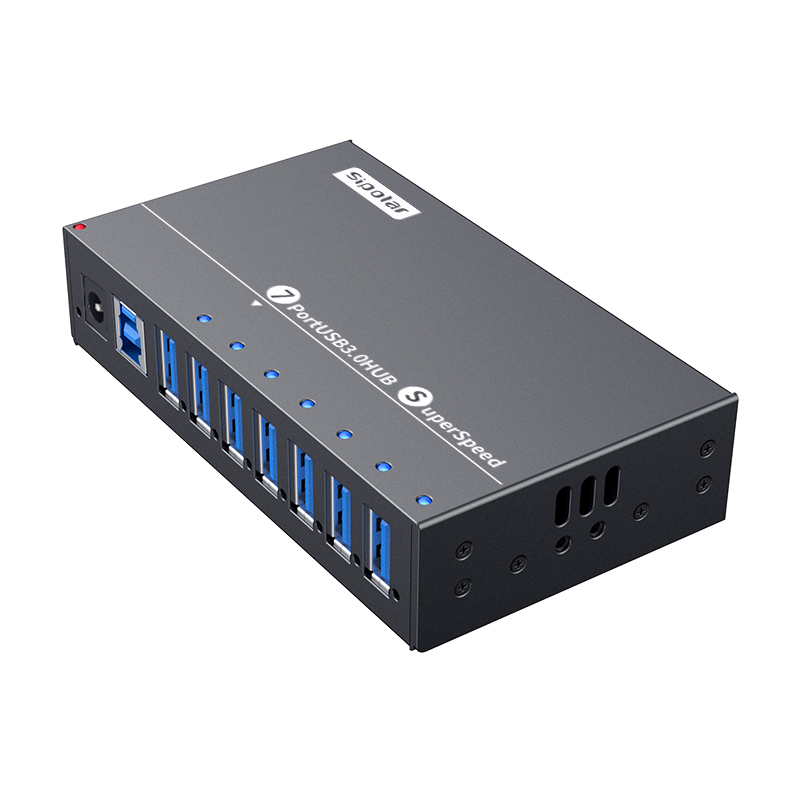
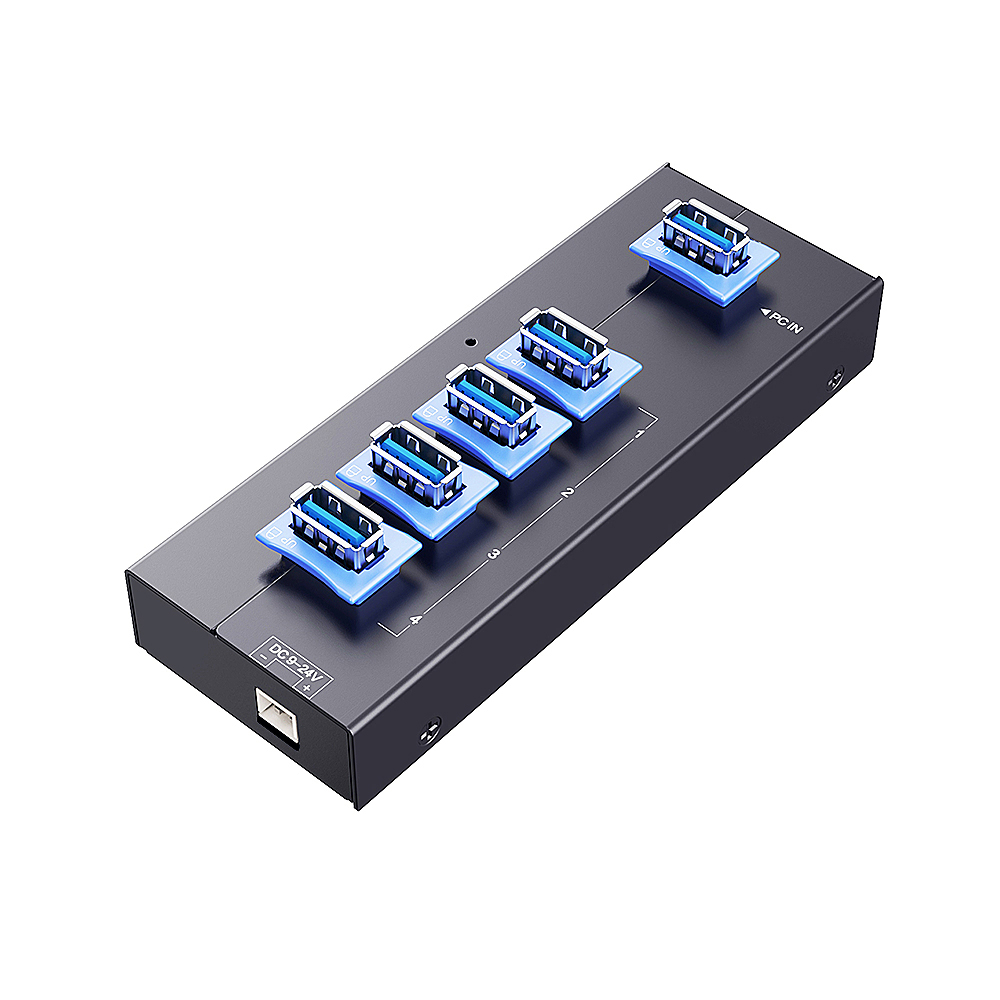
Compare the four-port A-142 for USB 2.0 peripherals with AT-4U30M2 for USB 3.0 connections. A-173 offers seven device ports where more connections are needed. Check enclosure clearance and connector access.
Find the right fit
Tell us your device count, USB interfaces, power requirements and installation space. We can help you compare standard models and OEM options.